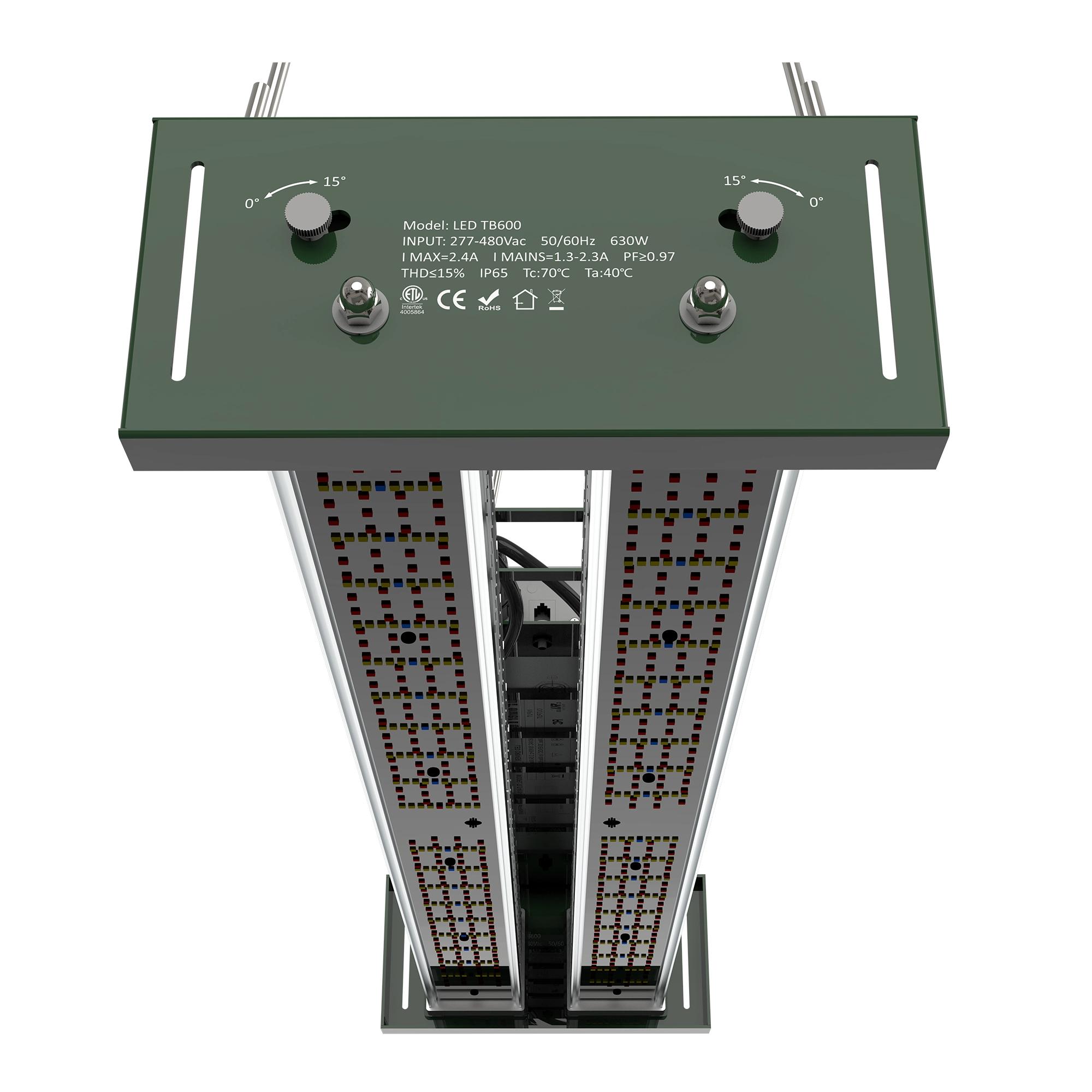
How to Build a Grow Light Warranty Claim Evidence File
A practical warranty-claim evidence file for matching grow light model rows, serial records, photos, installation context, and release owners.
A grow light warranty claim evidence file should help a distributor, OEM buyer, or service team answer one practical question: does the claim connect to the exact model, shipment, installation condition, and warranty term that was approved? The file should organize evidence before the review starts. It should not create unsupported promises about crop yield, energy savings, certification coverage, failure rate, or claim approval.
1. Start with the written warranty row and claim scope
The FTC's business warranty guidance is useful context because written warranties need clear terms, and the agency also warns that state law and specific facts can affect warranty questions. For a B2B grow-light file, do not begin with a generic service promise. Begin with the order's warranty document, product row, purchase order, delivery record, and any agreed exclusions or replacement conditions. If the order is private-label or distributor-branded, keep the buyer-facing model name and the underlying factory product row in the same file.
2. Anchor the claim to current Number product data
Current Sanity data lists the Number LED TB600 greenhouse toplight as a 600 W fixture with 2100 umol/s PPF, 3.5 umol/J efficacy, AC 200-480 V input, 150 degree beam angle, 0-10 V dimming, passive thermal management, 7.0 kg weight, and five-year standard warranty. Current Sanity data lists the Number LED PGF18 T8 grow tube as an 18 W, 120 cm product with 40 umol/s PPF, 2.2 umol/J efficacy, 0-10 V dimming, passive aluminum-housing cooling, 0.35 kg weight, and five-year standard warranty. Put the exact product ID, approved model name, warranty row, serial or batch range, and shipment reference beside the claim before judging the symptom.
3. Reconcile serial numbers before reviewing photos
ISO documented-information guidance is a helpful quality-system reference because records can serve as evidence of conformity, traceability, and authorized release. For a warranty claim, that means the serial number, batch ID, carton label, packing list, inspection record, and release owner should agree before the team analyzes the reported defect. If the serial number is missing or the carton record points to a different model, mark the file as incomplete rather than forcing a technical conclusion.
4. Capture installation and operating context
A useful file includes photos of the fixture label, driver or controller label where accessible, cable and connector condition, mounting position, room or greenhouse environment, and the failed symptom. Add the installation date, hours or schedule if available, input-voltage evidence where the product row requires it, dimming or controller setting, cleaning exposure, and any maintenance action already attempted. Keep this section descriptive. Do not convert a photo set into a root-cause verdict without test records.
5. Separate replacement action from warranty approval
FTC consumer warranty guidance is relevant context because parts, service conditions, and written promises need careful handling. In an OEM or ODM grow light project, a service team may choose a replacement action before the full warranty decision is complete, but the evidence file should keep those two records separate. One row should say what action is requested, such as replacement fixture, driver review, cable check, controller setting review, or credit discussion. A different row should name the evidence owner, decision owner, missing records, and final warranty status.
6. Use a claim file with owner and status columns
A simple evidence file can use these columns: buyer SKU, Number product ID, factory model, serial or batch ID, shipment reference, warranty term, reported symptom, photos received, installation context received, related controller or cable row, requested action, evidence owner, decision owner, status, missing record, and next review date. The file is ready for review when every claim row connects to a verified product record and every missing item is either resolved or clearly marked as a blocker.