How to Document Grow Light Dark-Period Control Before Flowering
A flowering-room checklist for documenting grow light dark-period schedules, ramps, overrides, controller rows, and acceptance evidence.
A flowering room can have the right fixtures and still fail its control review if the dark period is handled as a timer note instead of an evidence file. Before a buyer approves grow light controllers for flowering rooms, the schedule, ramp behavior, dimming state, manual overrides, controller screen behavior, and evidence owner should be documented in the same place. The goal is not to promise a crop result; it is to make the light and dark periods auditable before production depends on them.
1. Name the control objective
Separate photoperiod control from DLI support before choosing hardware. University of Minnesota Extension describes photoperiod as the number of light hours in a 24-hour period, while University of New Hampshire Extension frames supplemental-light runtime around target DLI, sunlight contribution, and measured lamp intensity. For a flowering room, write down whether the controller is protecting a strict dark period, extending day length, supporting a DLI target, or simply repeating an on/off schedule. Those are different acceptance tests.
2. Match the objective to verified controller rows
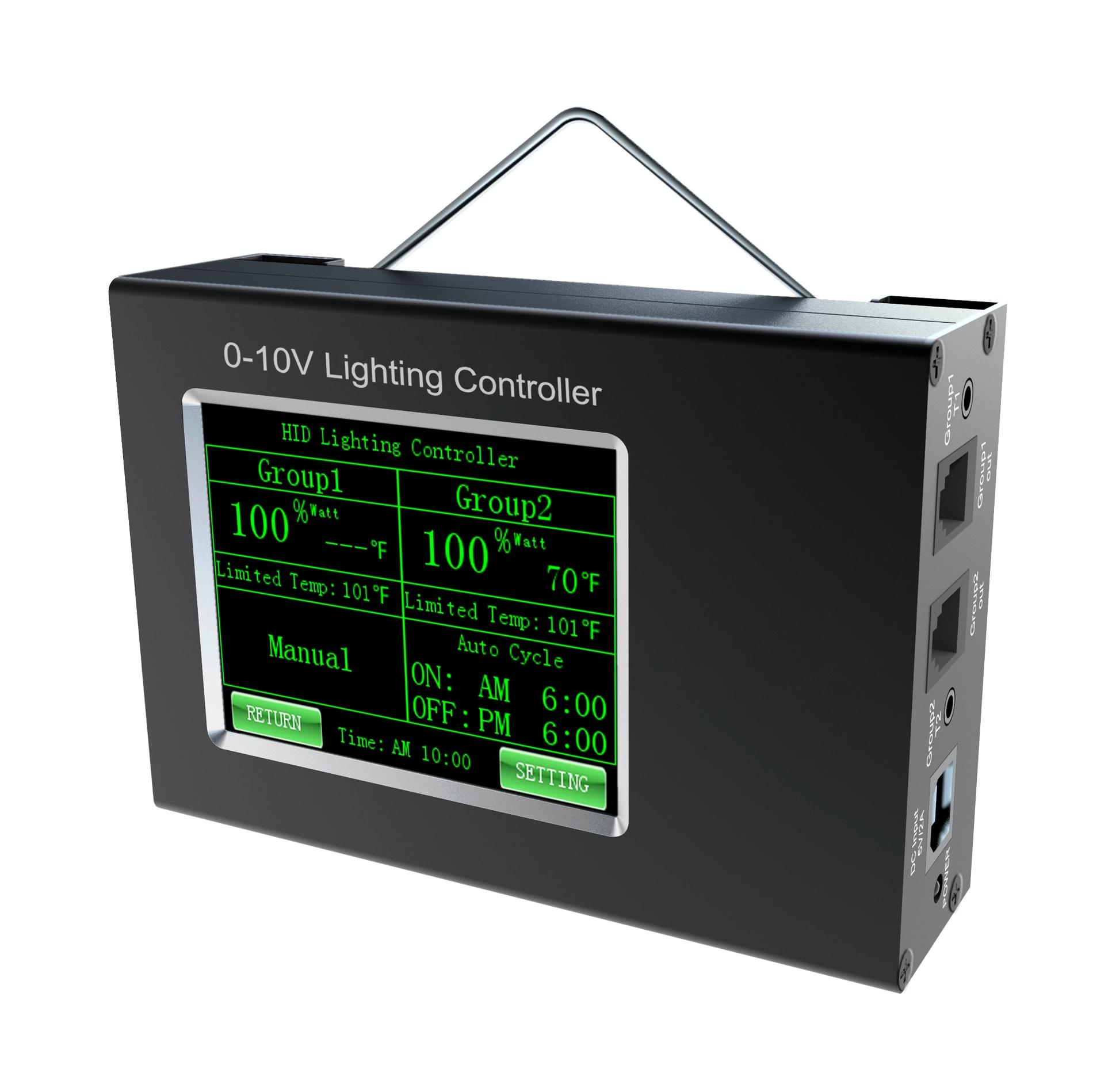
Current Sanity data lists the SLC Controller Number 0-10V Signal Dimming Controller as a 20 W controller with 12 V / 1 A adapter power, two independent lighting zones through 0-10 V dimming, a 24-hour clock, programmable 10-60 minute sunrise/sunset ramps, and an LCD touchscreen that auto-dims after 45 seconds. Current Sanity data lists the LuxMind 3CH Controller as a 20 W, 12 V controller with two groups of 0-10 V dimming, RJ11 and RJ45 outputs for 3-channel dimming, optional temperature sensor support, IP54 protection, and a 20000 h listed average lifespan. These rows help choose a candidate controller; they do not prove a room-specific dark-period program.
3. Build a dark-period control table
The control table should be short enough to maintain: room or bay name, crop stage, controller model, fixture group, dimming channel, normal lights-on time, normal lights-off time, ramp duration, expected off state, manual override rule, cleaning or maintenance exception, screen or indicator-light risk, power-loss recovery behavior, evidence owner, and approval date. Add a separate row for trial zones so an experimental schedule does not accidentally become the production-room schedule.
4. Test the dark state, not just the menu setting
A screenshot that says the schedule is off is not enough evidence. During acceptance, record whether each fixture group turns off or reaches the intended minimum level, whether any controller screen, indicator, sensor, or nearby service light remains visible in the dark area, whether manual overrides are locked or logged, and whether the same state returns after a power cycle. Keep this as an installation check, not a claim that crop response has been validated.
5. Do not mix sensor exceptions with flowering schedules
Temperature or protection logic can be useful, but it should not be hidden inside the same row as the flowering schedule. If a sensor may reduce output, shut fixtures off, trigger an alarm, or delay restart, define the threshold, sensor location, override permission, and recovery rule separately. If the buyer wants PAR or DLI-based automation, request the sensor model, placement method, calibration or measurement plan, and controller sequence as project evidence before calling the system DLI-controlled.
6. Lock OEM documentation before shipment
For an OEM/ODM grow light project, include the dark-period table with the controller submittal, fixture list, wiring diagram, label file, user manual, and commissioning checklist. The smallest useful evidence asset is a one-page control acceptance sheet: exact controller model, zone names, schedule values, ramp values, off-state test, exception rules, reviewer, and approval date. If that sheet is missing, do not release the room schedule as production-ready.